


Appointment scheduling that respects your time
MeetGesty isn't another calendar — it's a flexible schedule canvas where you decide exactly when people can book time with you. Share one link, get booked, stay in control.

Set availability. Share your link. Get booked.
MeetGesty is a free scheduling app made for freelancers, consultants, tutors, recruiters, and anyone who needs to share their availability without managing a fixed weekly schedule.
Step 1. Sync your calendars and set the stage
Most scheduling apps work around your calendar, but MeetGesty works around your real availability — you set the exact time windows when people can book appointments with you.
- MeetGesty.Steps.step1Bullet1
- MeetGesty.Steps.step1Bullet2
- MeetGesty.Steps.step1Bullet3
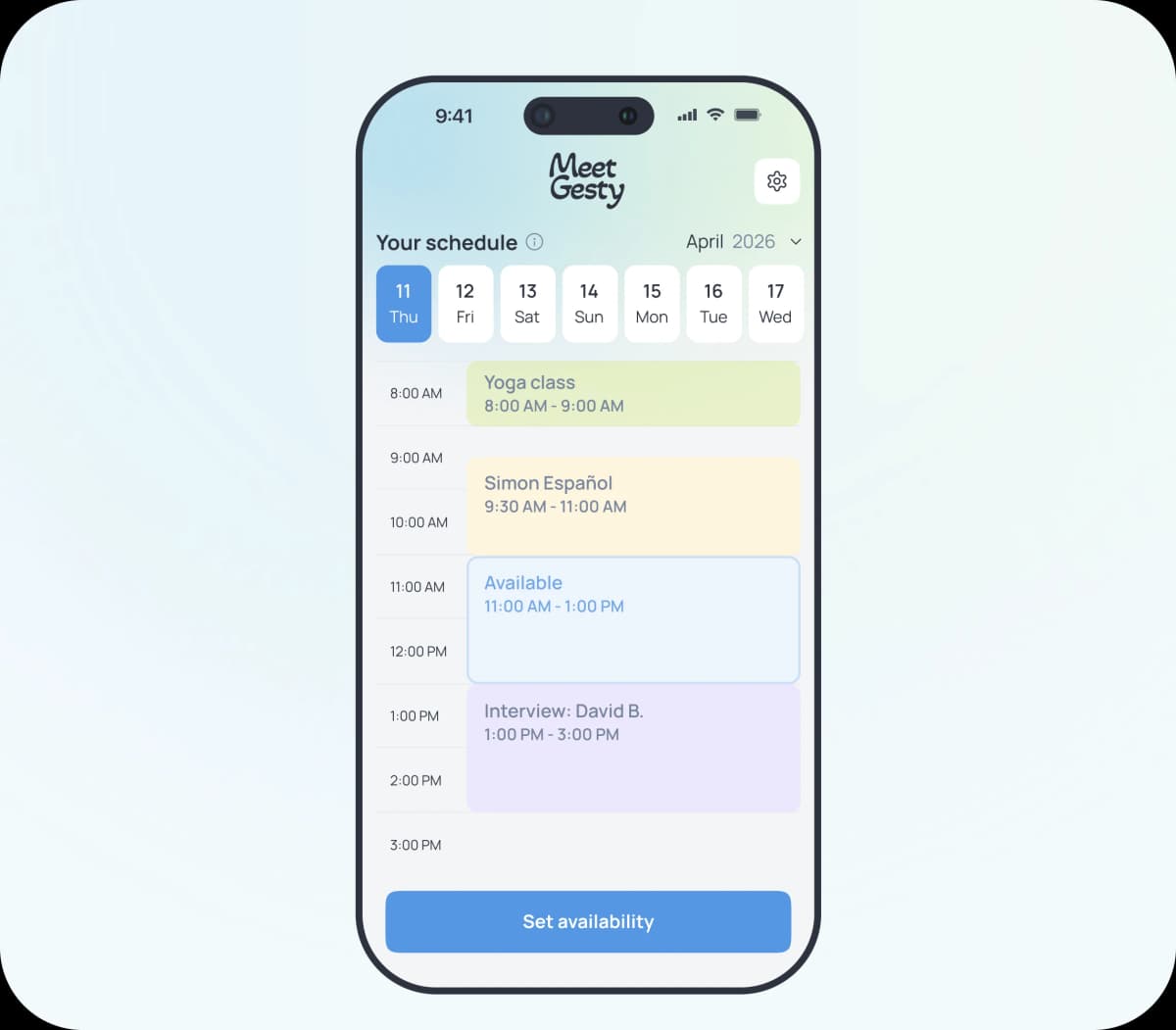
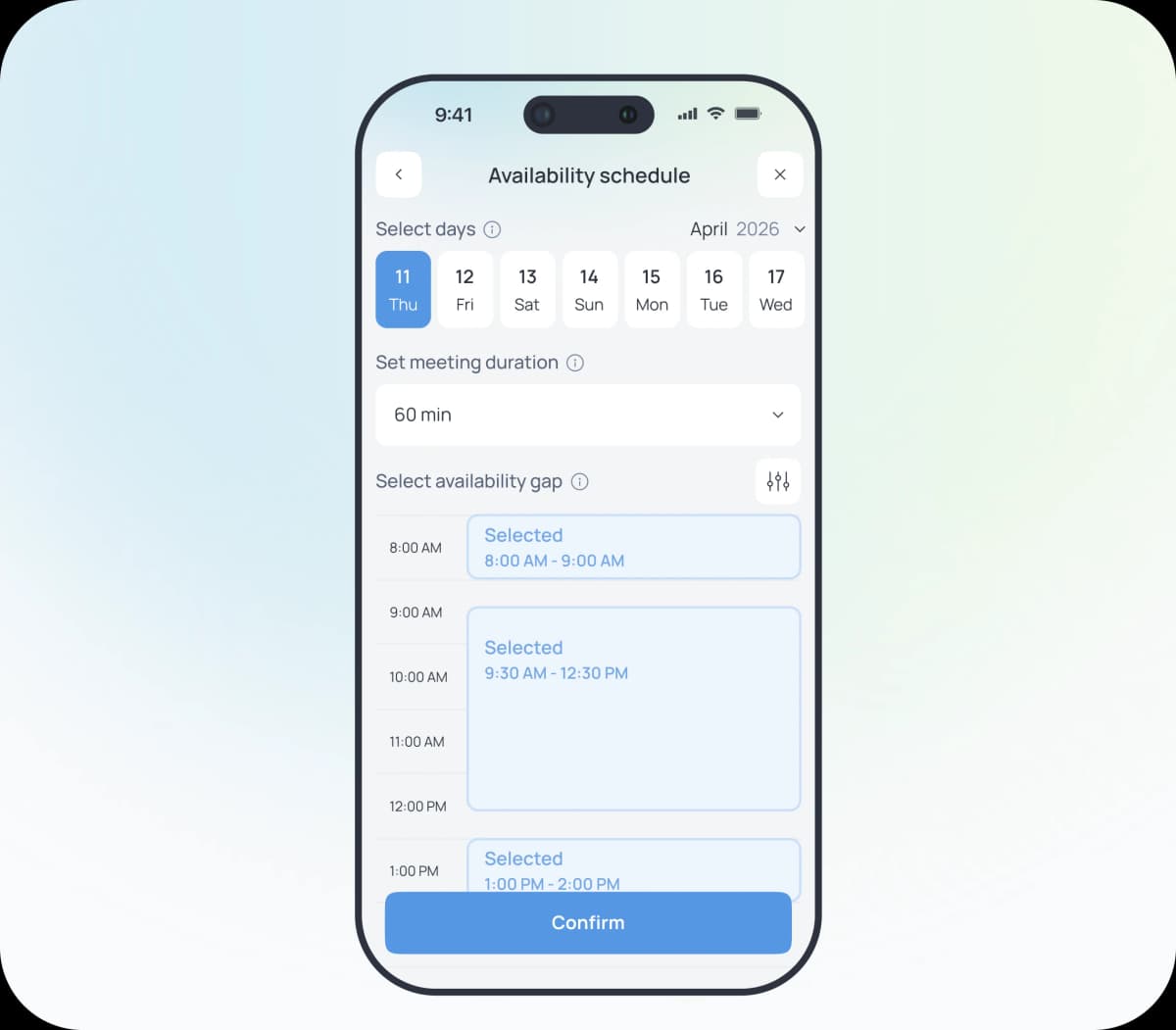
Step 2. Create your booking link and shape your availability
Once you've decided when you're available, the next step is deciding how you'd like people to book your time. Build a schedule across multiple days, customize each day with its own availability and meeting duration, while keeping complete control over every booking opportunity.
- MeetGesty.Steps.step2Bullet1
- MeetGesty.Steps.step2Bullet2
- MeetGesty.Steps.step2Bullet3
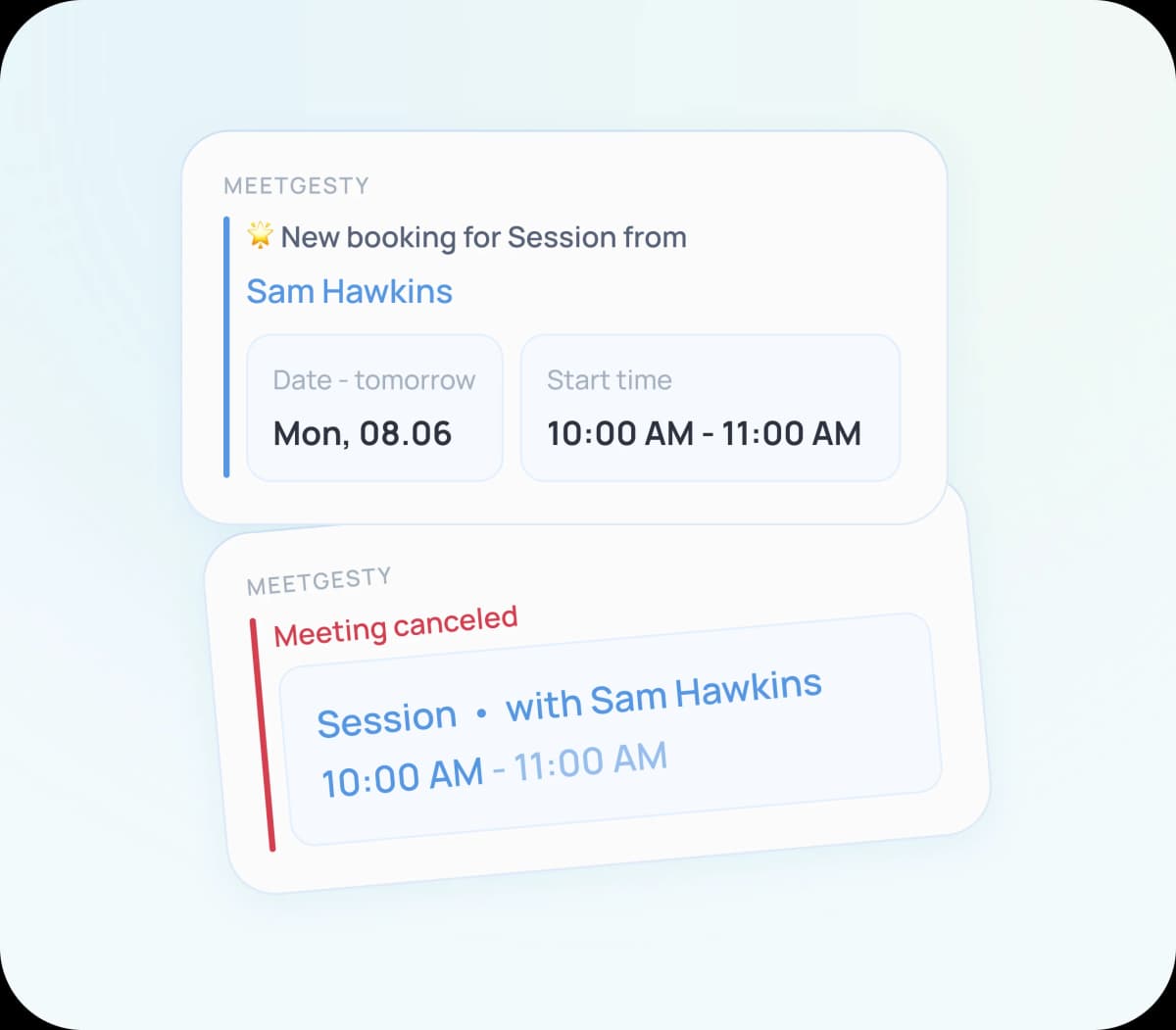
Step 3. Stay in the loop
Once someone books a meeting, MeetGesty takes care of everything behind the scenes, so you don't have to.
- MeetGesty.Steps.step3Bullet1
- MeetGesty.Steps.step3Bullet2
- MeetGesty.Steps.step3Bullet3
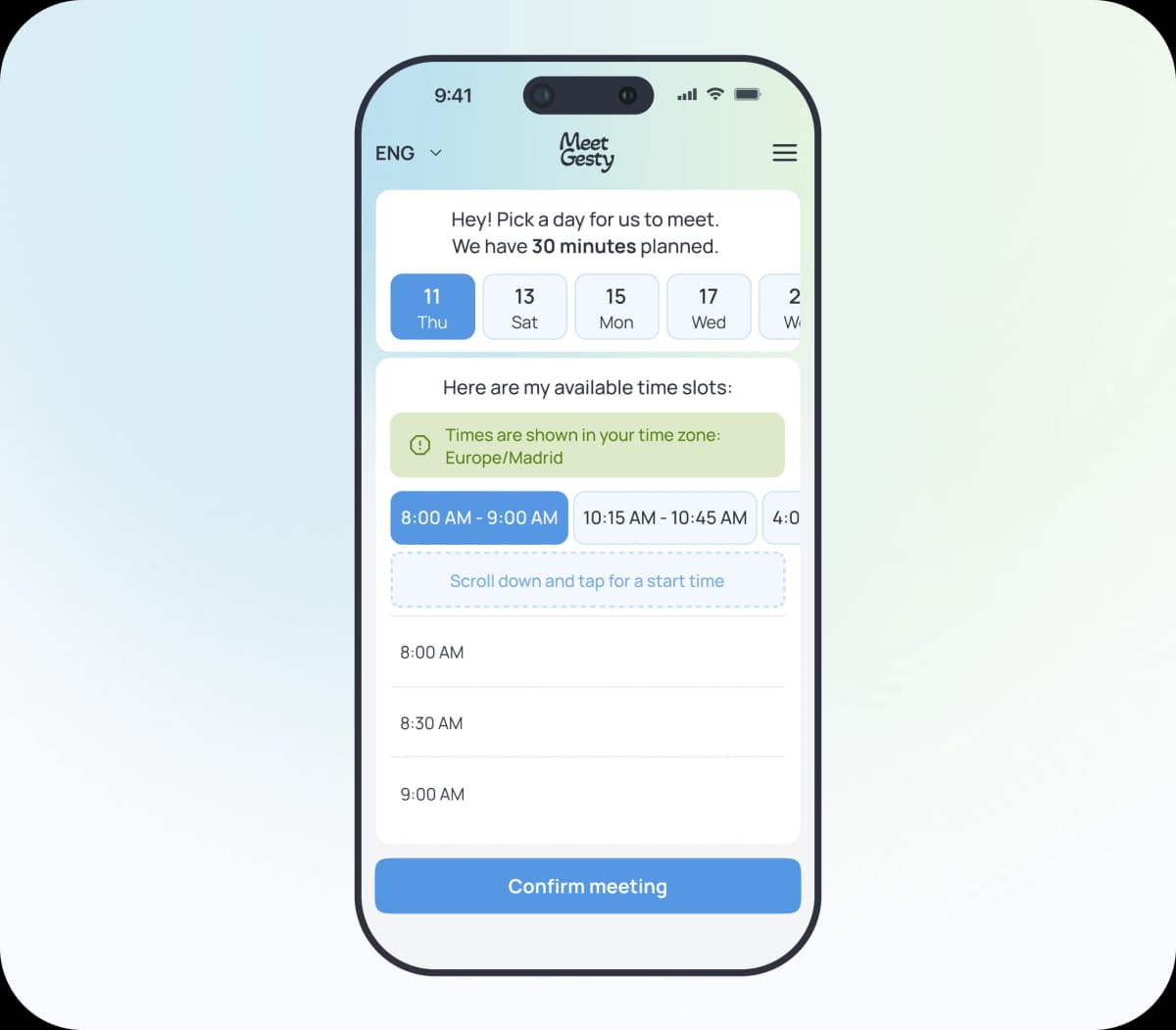
Seamless booking: what the guest sees
- MeetGesty.Steps.step4Bullet1
- MeetGesty.Steps.step4Bullet2
- MeetGesty.Steps.step4Bullet3
- MeetGesty.Steps.step4Bullet4
- MeetGesty.Steps.step4Bullet5
Everything you need to know about MeetGesty
This section is your quick guide to MeetGesty — how the scheduling app works, what types of booking links exist, and what your guests see when they book time with you.
MeetGesty is free to download and use. Core scheduling features — availability, booking links, and calendar sync — are available on the free plan.
No. Anyone can book a meeting directly from the booking link you share — no app, no account, no sign-up. Your guest simply opens the link, picks a day and time from the availability you've chosen to show, and confirms the meeting.
Yes. Connect your Google Calendar and Apple Calendar to see everything that's already planned before you set your availability. Every confirmed booking is automatically added to your calendar, and when a meeting is cancelled, your schedule updates on its own — no manual changes needed.
An Availability Schedule is a permanent booking link that stays active as long as you have free time slots. Share it once — anywhere, with any number of people — and everyone books from the same live schedule until the last available window is taken. It also protects you from double-bookings: the moment a time slot is confirmed, it instantly becomes unavailable to everyone else, so two guests can never book the same time.
A one-time link is a booking link that expires after the first confirmed booking or after 24 hours — whichever comes first. It's perfect for a single appointment: share it with one person, and once they book, the link stops working.
MeetGesty is available for iOS and Android. Your guests don't need any platform at all — booking links open in any web browser on any device.